
How drivers report an accident so the office sees it while they are still at the scene
Vaidas Labanauskas, 23 years in insurance · reviewed
A simple procedure for company drivers. After an accident, the driver calls the dispatcher, gets a personal link and completes the European Accident Statement on the phone in minutes, at the scene. Your office can follow the claim file as it is filled in, and your team sends it when it is ready. Nothing to install.
The procedure, step by step
The driver makes the scene safe and calls the dispatcher
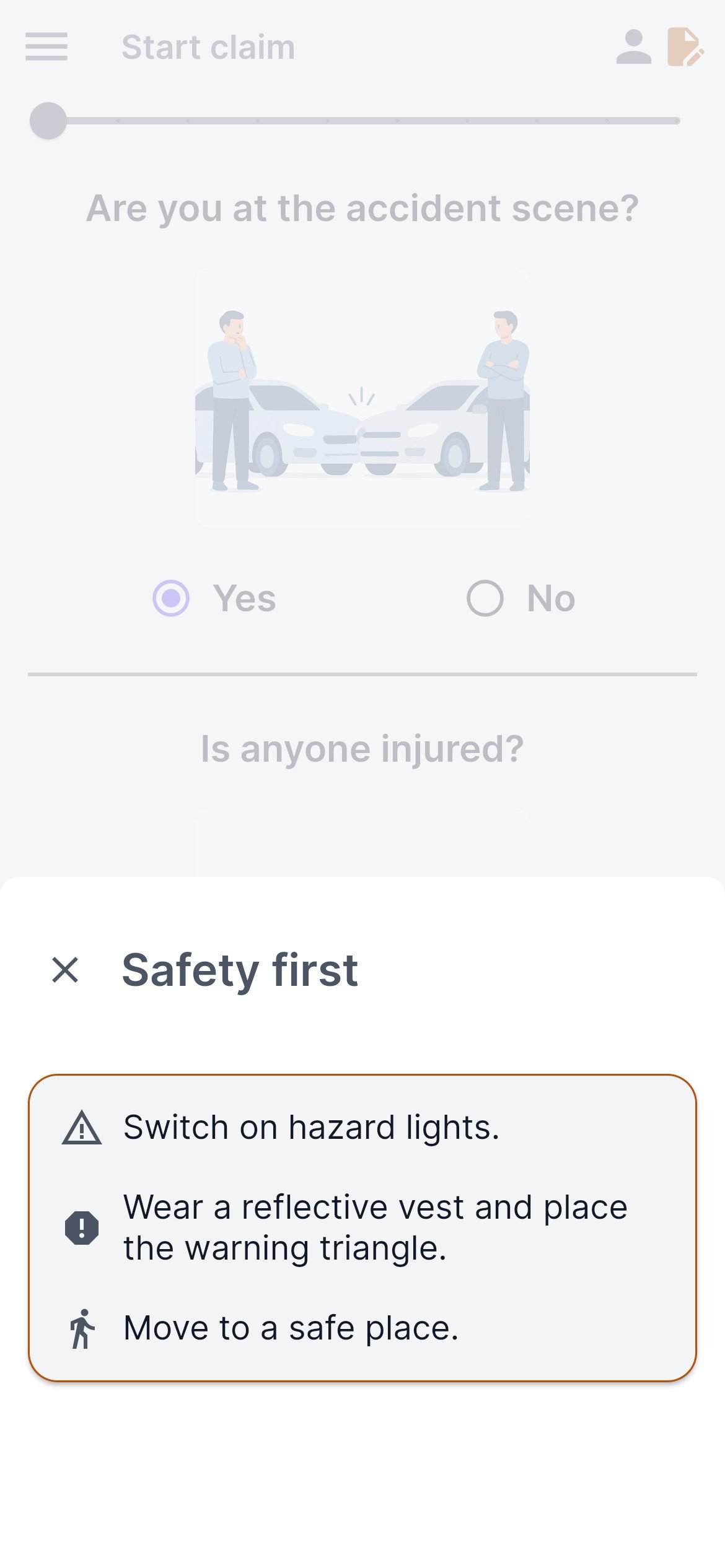
Safety comes first. If anyone is injured or more than two parties are involved, call the police; local rules may require it in other cases too. Minsas asks the same questions when the driver starts and offers to call the police.
The dispatcher opens a new accident in the portal and sends the link
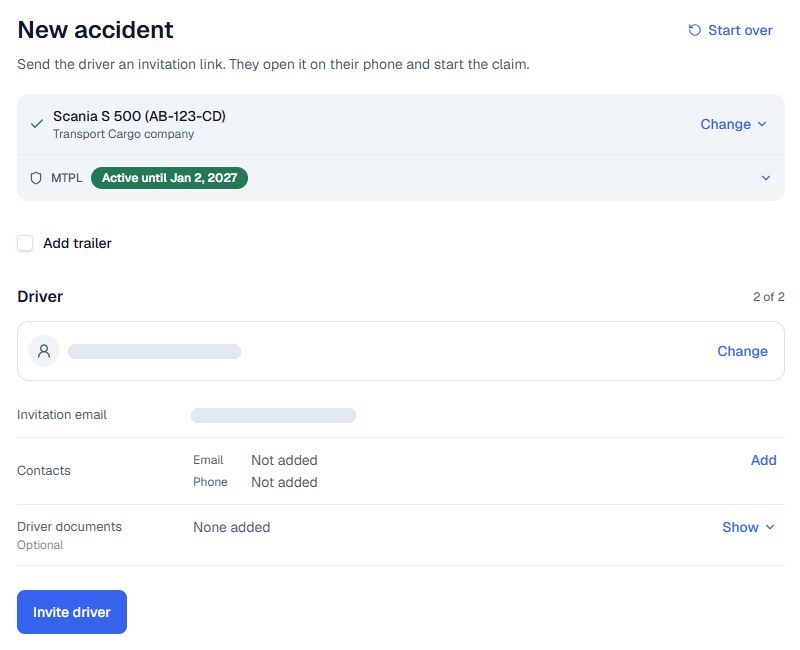
The dispatcher picks the vehicle and the driver. Both can be added in advance or during the call: upload a document or screenshot, or paste text, and AI prepares the record for you to confirm. The personal invitation link goes by email, or the dispatcher shares it by SMS or another messaging service. The driver needs no password, and an email inbox is optional.
At the scene, the driver completes the statement
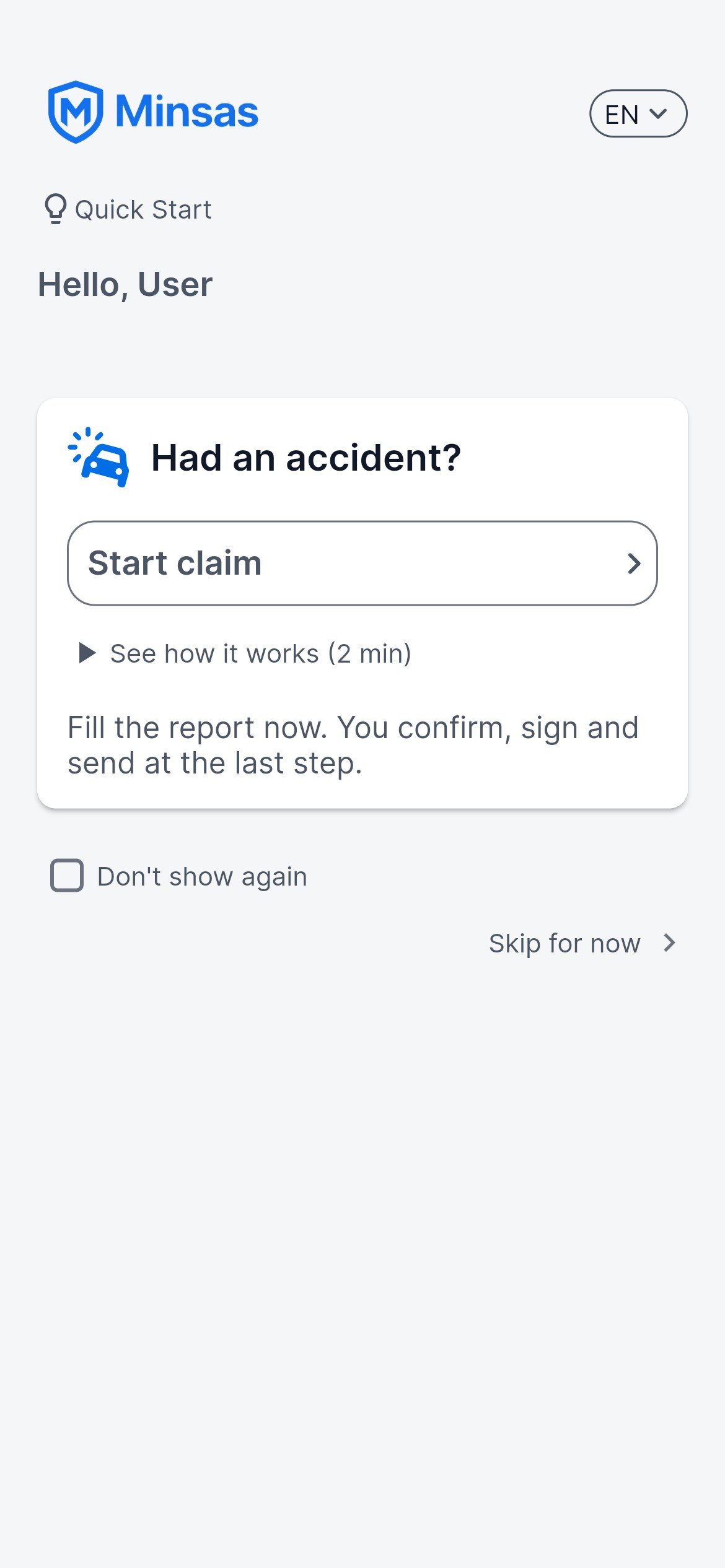
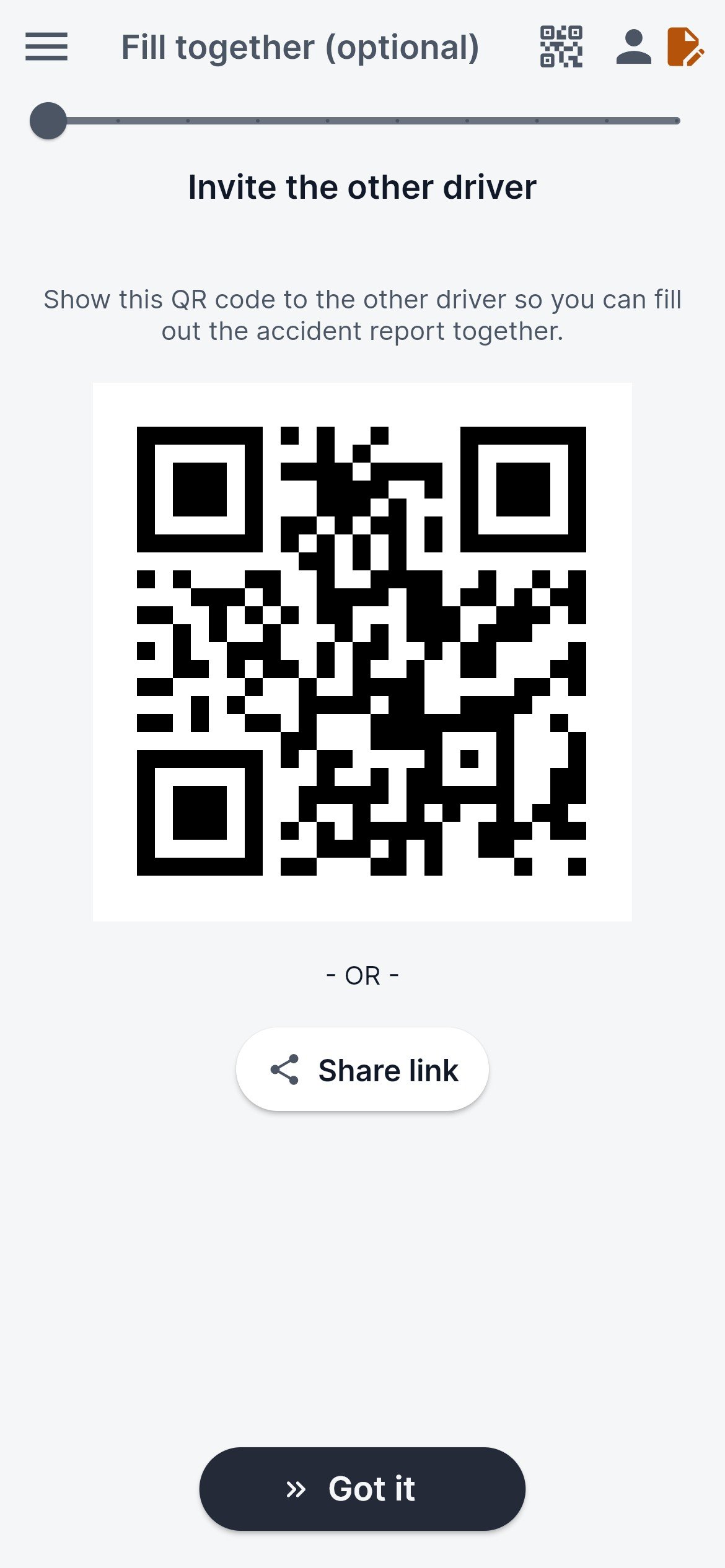
The link opens the app, or the browser if the app is not installed. The driver taps Start claim, and the company’s vehicle and policy details are already in the statement. No typing required: the driver takes photos, makes selections and records voice notes if needed. The other driver signs on the same phone, or joins the same statement on their own phone by QR code or link. Each driver works in their own language, and both sign on screen.
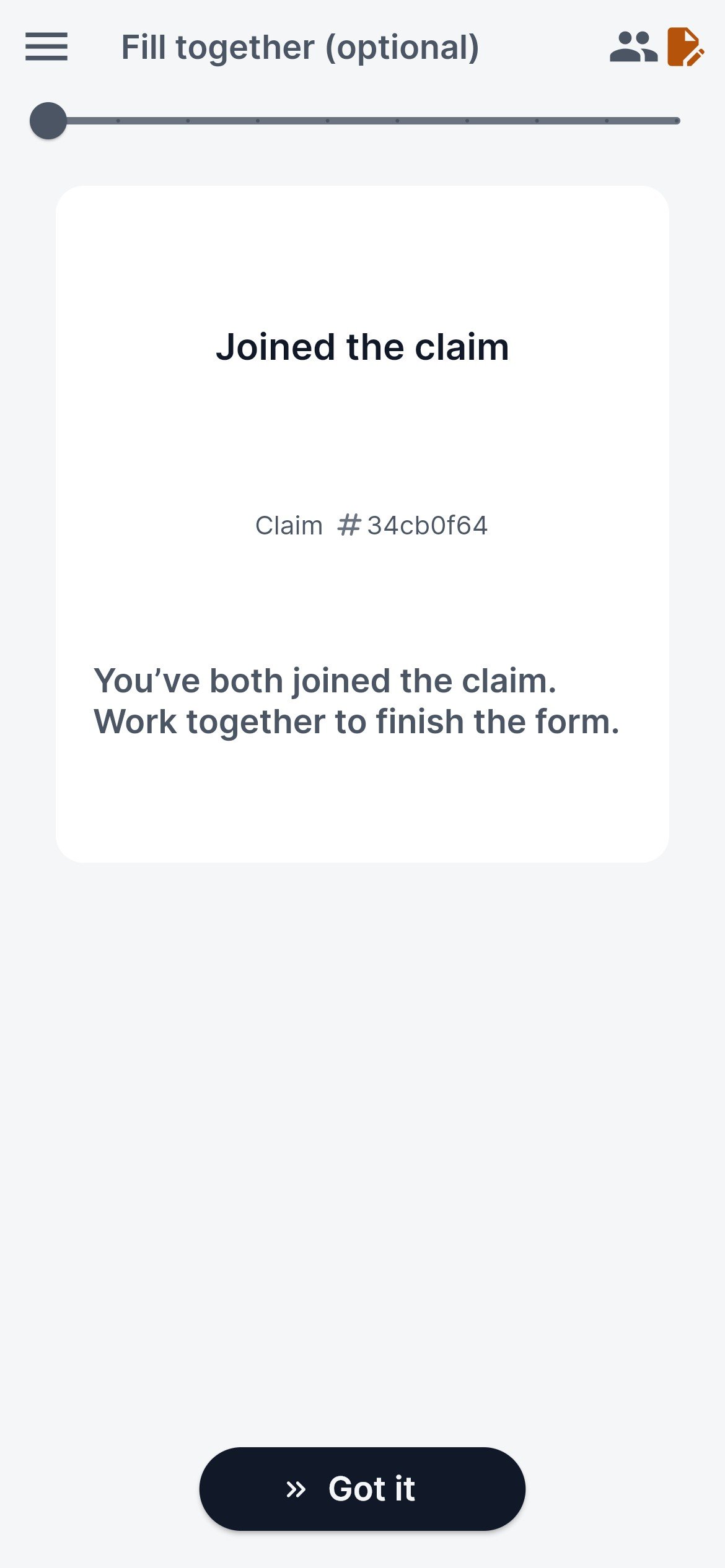
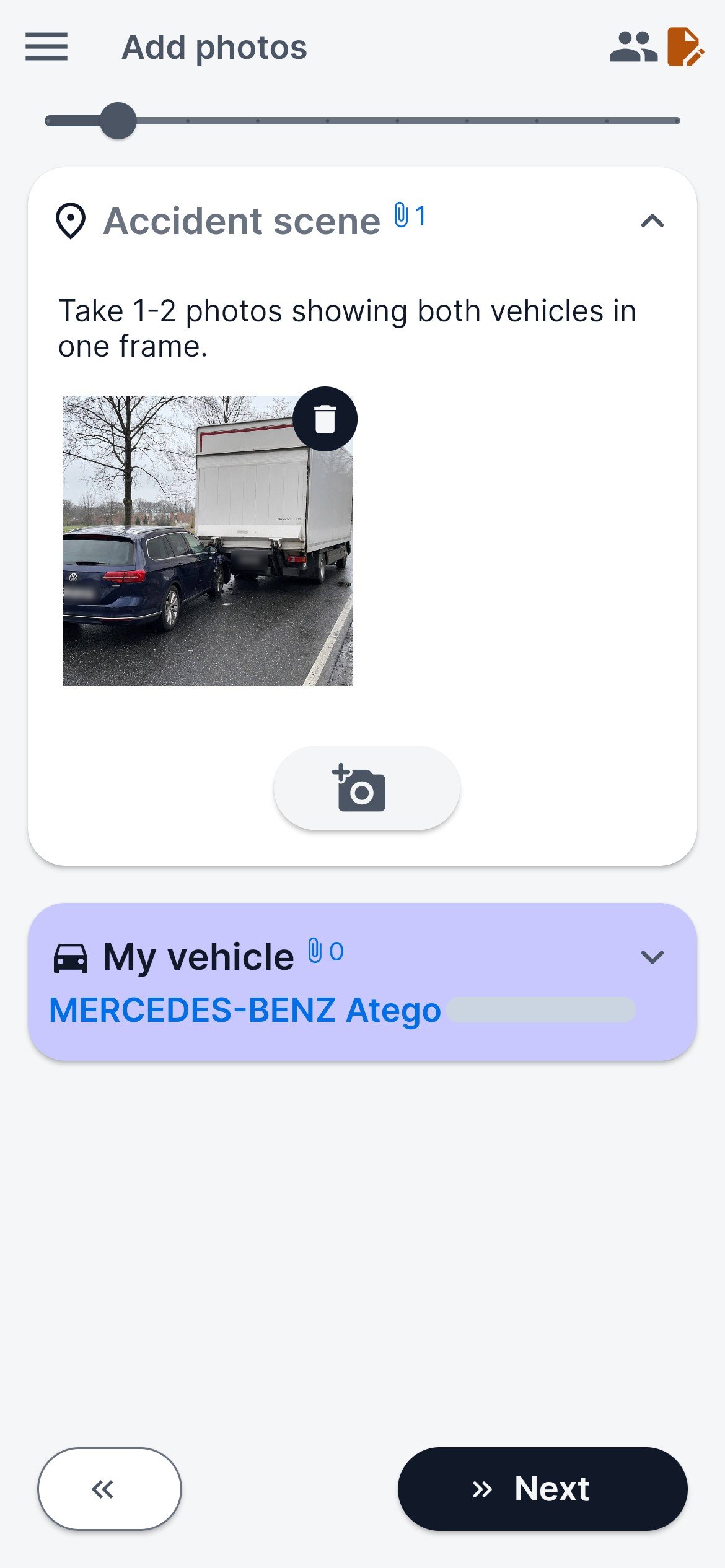
If you want, your office follows the claim file live
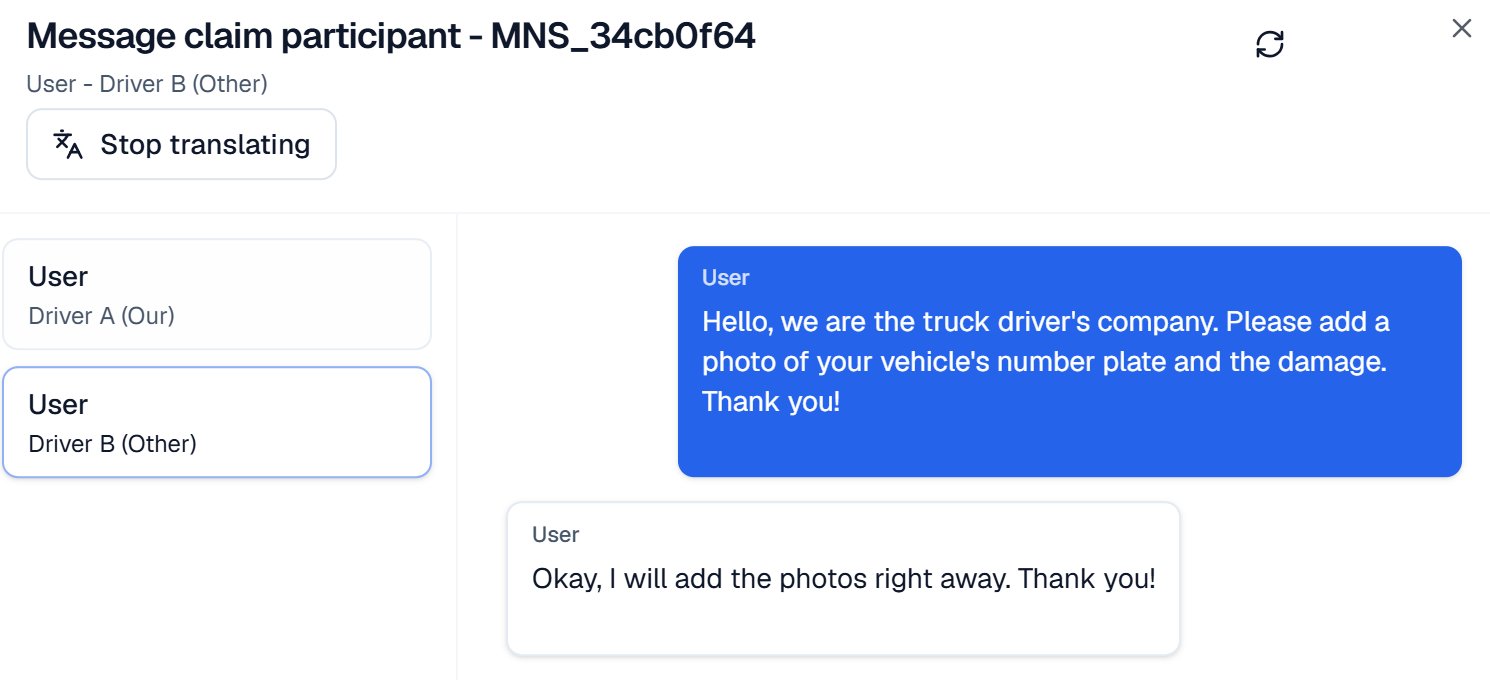
Every step, photo and signature appears in the portal while the driver is still at the scene. Your team can message your driver and the other driver inside the claim, and each reads the messages in their own language. Ask for missing photos or details before the driver leaves, or simply wait for the signed statement.
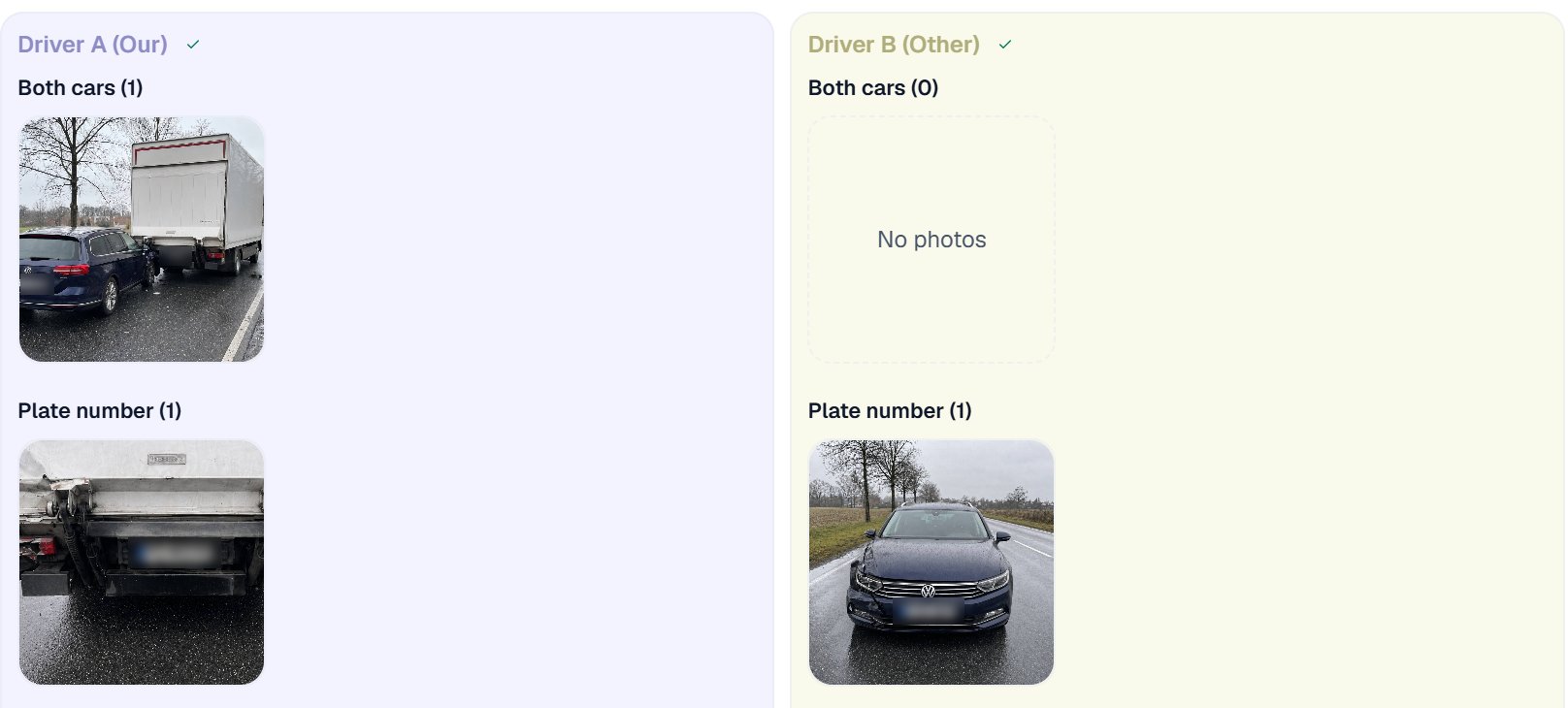
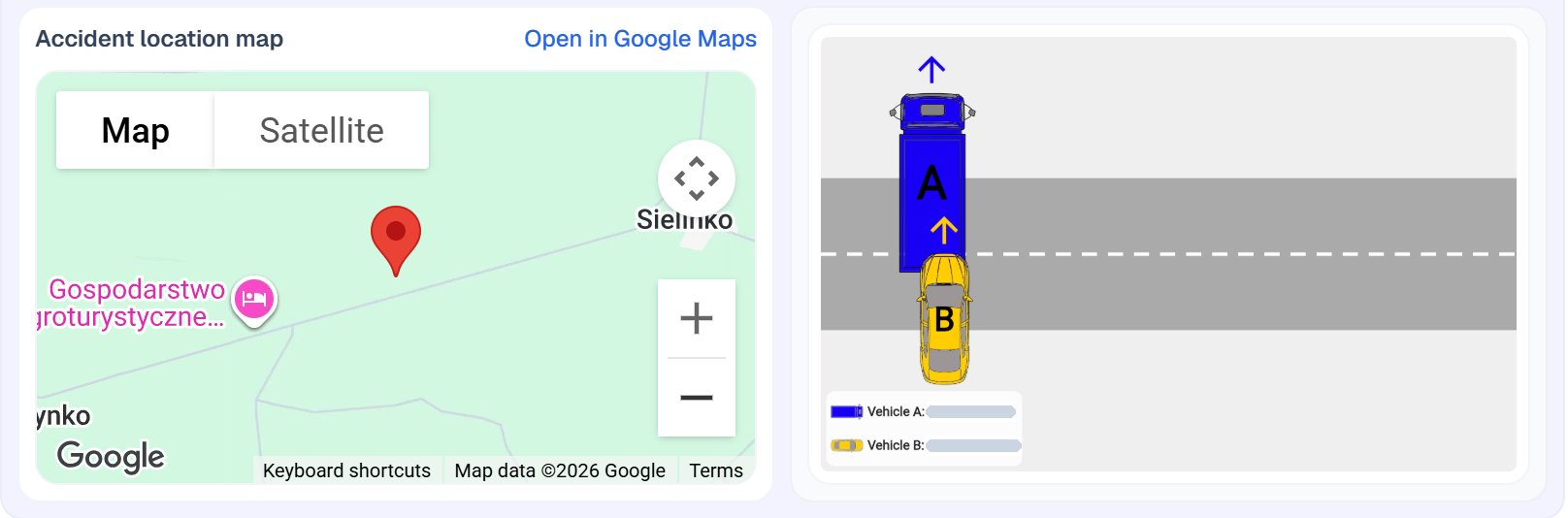
Your team checks the claim file and sends it
When both drivers have signed, each gets their copy. Your team reviews the claim file in the portal. You decide whether to send the statement to your insurer, broker or claims administrator, or transfer it into your own systems, and when. Your team manages the claim in Minsas.
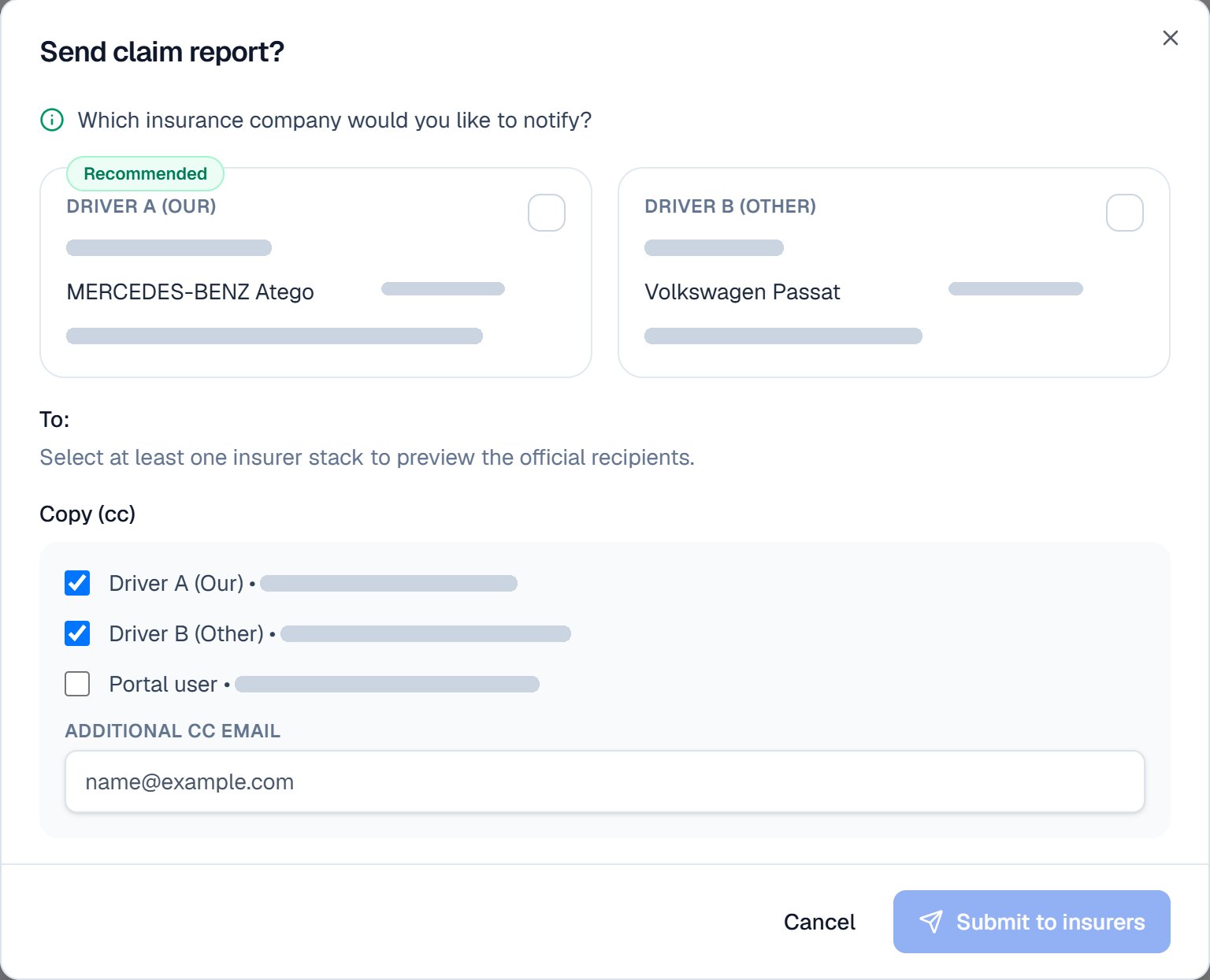
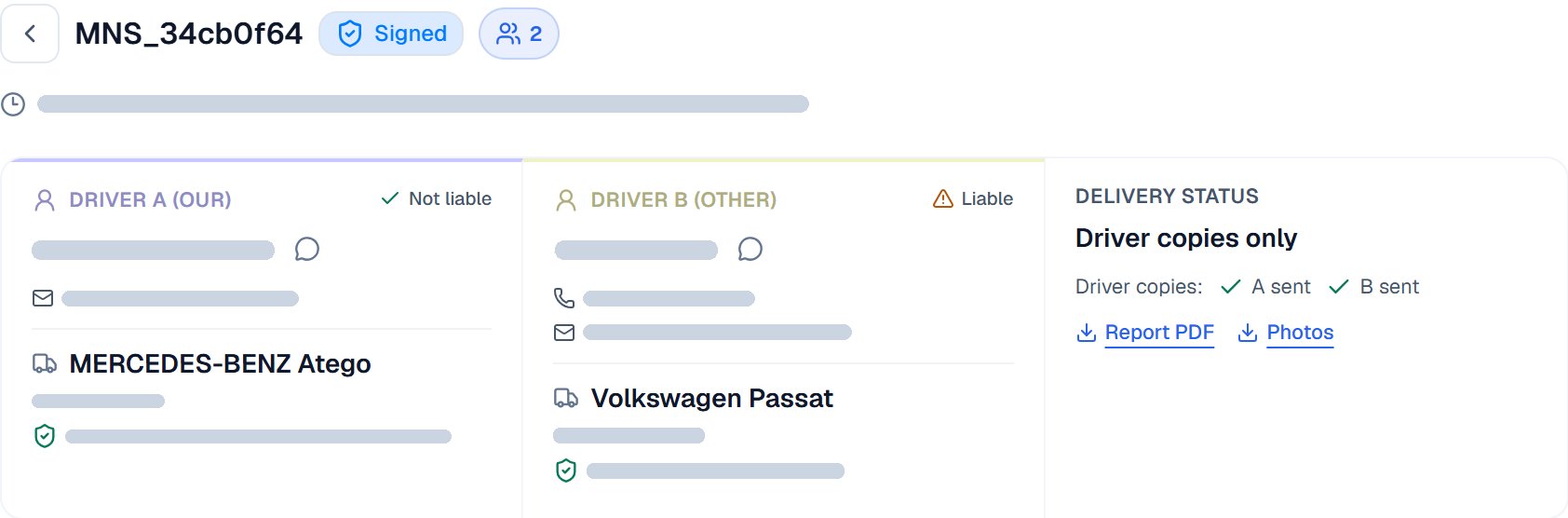
Alongside your TMS and telematics
Your transport management system, telematics and dashcams keep doing their job. Minsas adds the accident statement: completed and signed with the other driver at the scene, and in your portal while the driver is still there.
Frequently asked questions
Your driver completes and signs their own part. The statement still reaches your office with its photos, marked as signed by one party only.
The procedure is the same. Each driver uses Minsas in their own language, and notes and messages are translated for the other side. Both sign one standard European Accident Statement.
Nothing on the vehicles: no stickers, no QR codes, no hardware. The dispatcher can add the vehicle and invite the driver at the moment an accident happens. Adding your vehicles, drivers and policies in advance saves time during the call.
Guides for your drivers: If the other driver refuses to sign · A car accident abroad in Europe · Documents and photos to collect
Try the procedure with your team
Start free and run a test report with two of your drivers, or book a 30-minute walkthrough with the Minsas founder.